Your catalog.
One place. Ready to activate.
Moments Lab gives you a single window into your catalog: any show, any season, any episode, instantly searchable and accessible without moving your original files.
Everything you own. Ready to activate.

Your catalog, accessible from day one
Connect your existing on-prem and cloud storage without moving a single file. Start getting value in weeks, not after an 18-month migration.
New content flows in automatically, from any source
Connect once, and everything runs. Cameras, servers, cloud storage, broadcast feeds, new content is available the moment it's captured, with no manual work.
Give everyone access. From anywhere
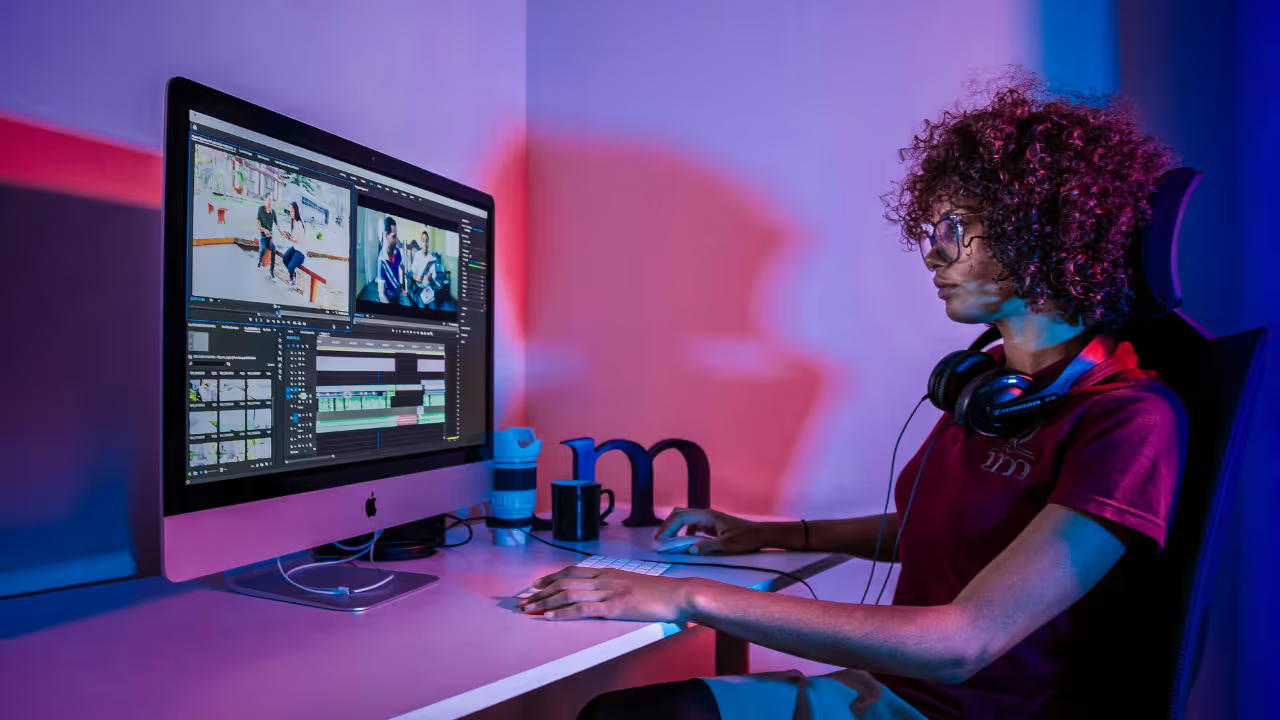
Internal teams, freelancers and partners get instant access to your entire catalog from any browser. No VPNs, no delays, no back-and-forth.
From live broadcast to social post, in minutes
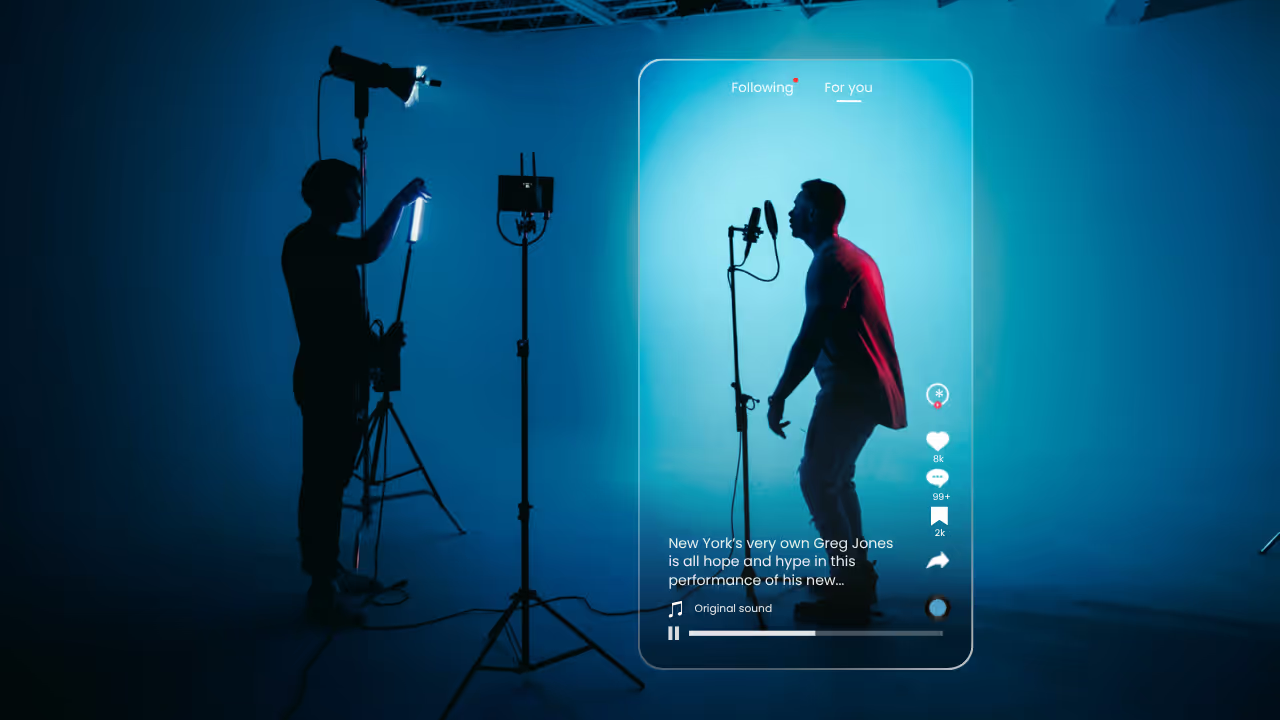
Capture live streams with real-time transcripts and face detection. The moment recording ends, your content is indexed, searchable and ready to clip for social.
Capabilities

Don't just take our word for it
Moments Lab fulfills our rigorous requirements for in-house video production, centralizing our archived content and enabling fast media search and distribution of player and match highlights at scale.
The Discovery Agent enables us to finally talk to the platform and get instant feedback, rather than just sticking to a normal text-based search.
Explore our full product workflow
Frequently Asked Questions
What systems do you support for on-premise storage scanning?
Moments Lab works with most on-prem storage systems including NAS, SAN, object storage, and Avid. We can also integrate with and control LTO tape libraries, making even deep archives easily searchable and accessible.
Who manages the installation of the Gateway?
Installation can be fully handled by Moments Lab or by one of our certified partners. You can work directly with them or let us coordinate everything on your behalf for a seamless setup.
Does the Gateway create proxies on-prem or in the cloud?
Proxy files are created locally, right where your content sits, before syncing to Moments Lab. This keeps uploads fast, reduces bandwidth demands, and makes even massive archives quickly accessible in the cloud.
Can I choose which projects or folders are scanned?
Yes. You decide in advance which projects or folders Moments Lab should scan and make accessible. Rules can be configured during setup with our team or partners to match your workflows.
What metadata can be transferred into Moments Lab?
We ingest a wide range of metadata including technical details (format, codec, resolution), folder/file structures, timecodes, and descriptive tags when available. Custom metadata mapping can also be configured during integration to fit your needs.
What live streaming protocols do you support?
Our Live Asset Manager supports HLS, RTMP, and SRT live streams. This lets you ingest live video directly into Moments Lab for indexing, clipping, and editing in near real-time.
Can I use my existing workflow tools instead of the Moments Lab client?
Yes. If you already use a workflow manager, you can connect via API or watchfolder. For proxy generation, you may use your infrastructure or upload originals for cloud transcoding (additional fees apply). We also partner with vendors like Embrace, Qibb, and Carrick Skills for seamless integrations.

Make your video content work harder
Speak to a specialist today to see how AI can help you resurface, repurpose and scale your content.