Live Video AI: What It Takes for an AI Agent to Watch a Live Stream
In short
- AI agents read emails, contracts and transcripts well, but they could not watch live video. The gap was understanding the stream.
- The hard part is not the cut. It is having shots, speakers and moments understood before you ask for anything.
- One request in Claude gave me a vertical, subtitled 60-second highlight in about two minutes, and a person still publishes.
AI agents have become remarkably good at reading. Give one an email thread, a contract or a meeting transcript, and it will summarize it, answer questions about it and act on it. But give them a live video, and they are lost. The moments that matter most to media companies, the ones happening on air right now, have stayed out of reach for the assistants our teams use every day.
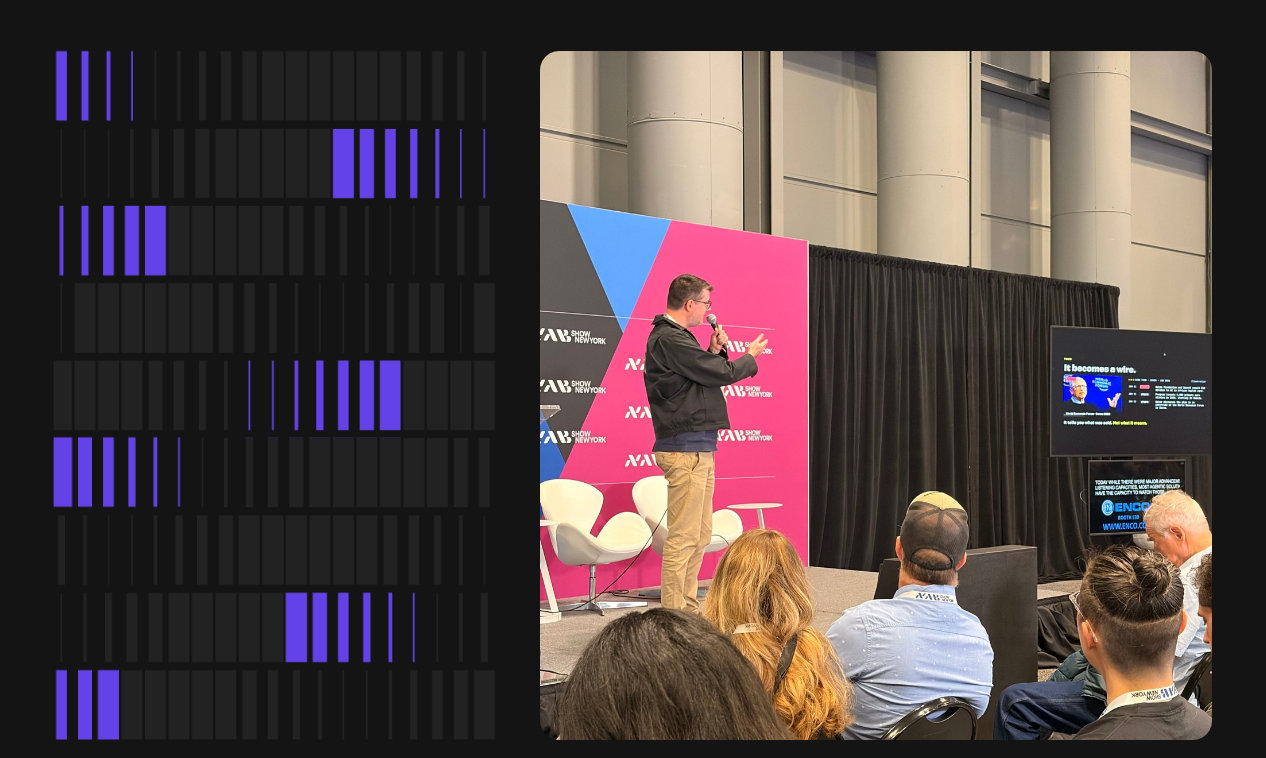
That gap is what I wanted to talk about when I took the stage at NAB Show New York on Oct. 21. I have spent the last ten years leading the teams at Moments Lab that teach machines to understand video, and for most of that time live was the part of the job we approached most carefully. That has changed over the past year, and on this NAB stage I walked the audience through what it looks like now: an agent that follows a live stream, recognizes the moments as they happen and assembles them into a highlight that a person can publish. I'd like to use this piece to go a little deeper than a stage slot allows, and to explain how it works, where the difficulty really lies and what it means for the teams who clip live programming every day.
Why couldn't AI agents watch live video until now?
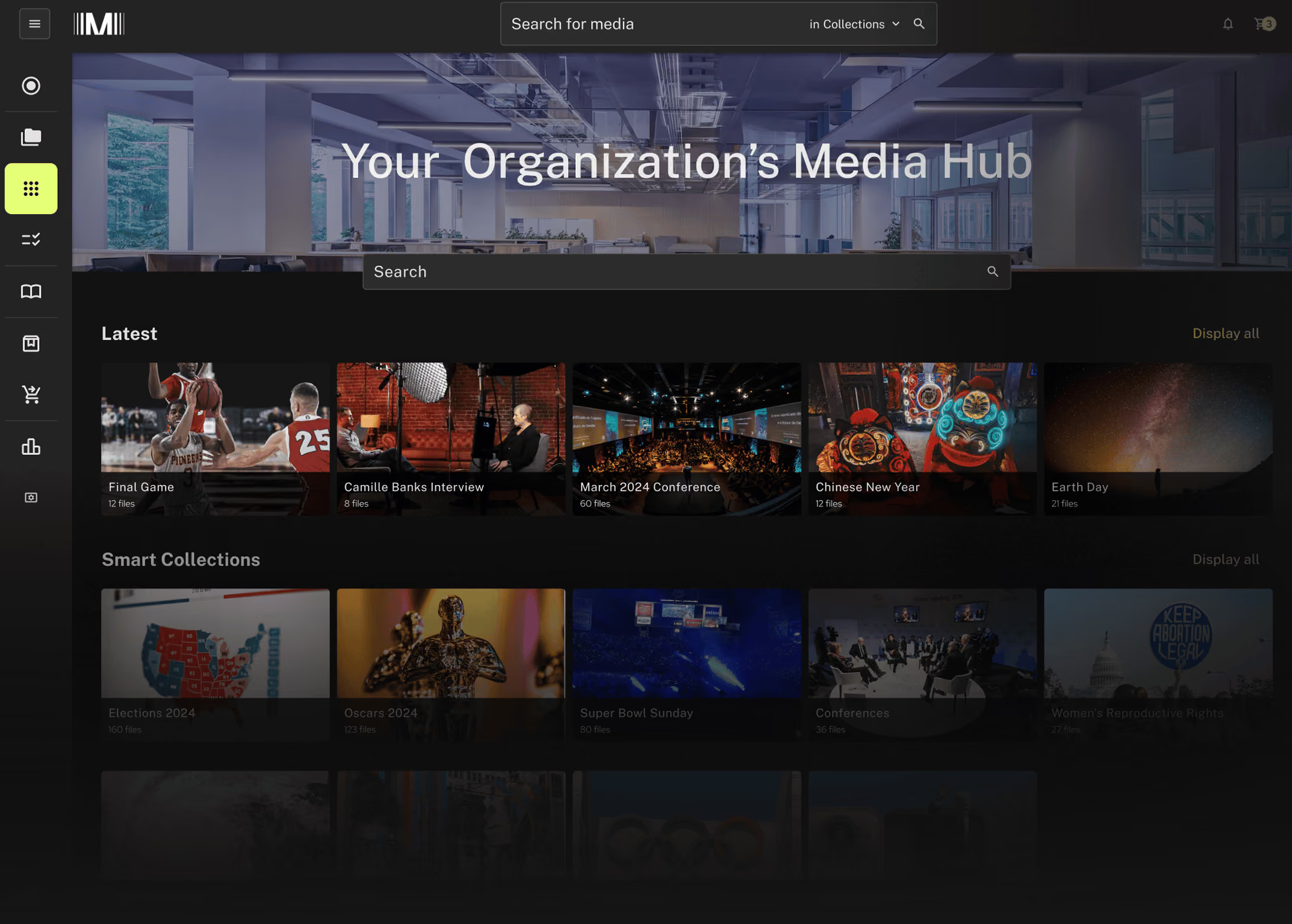
Because an agent can't open a live stream, period. The assistants most of us use work with things that have a beginning and an end: an email, a document, a file. They call a tool, get an answer back and reason over it. A live stream is none of that. It's a continuous flow of video, audio and data that keeps changing while you watch it, with no end to wait for, and the meaning of a moment often depends on what happened several minutes earlier. There is nothing for the agent to open, so something else has to watch the stream for it: follow the feed as it airs, understand what is on screen and who is speaking, and turn it into moments the agent can search, next to the footage the company already owns. What Moments Lab brings now is that layer.
I opened the talk with a line that has stayed with me since we started working on this, which is that the first draft of history isn't written anymore, it's streamed. When something important is announced today, whether it's a policy decision, a product launch or a deal between two companies, most people first encounter it as video, and very often as live video.
What that video rarely gives you in the moment is the meaning, and I used an example from earlier this year to make the point. In January, at Davos, Bill Gates announced that the Gates Foundation and OpenAI would put $50 million into AI for health clinics in Africa (Fortune). Anyone watching live heard the announcement, and within minutes the news wires had reported it. But understanding what it signaled, and how it fit with everything Gates had said about AI over the years, required context that simply wasn't in the stream.
That kind of context does get written eventually, in an analysis piece a few days later or a documentary a year later. What has always struck me is that the footage needed to build it is usually already sitting in someone's library, often the library of the very company broadcasting the event. Nobody lacks the material; what they lack is the time to go and find it while the stream is still running.
There is a good reason our industry has been cautious here. Live is probably the most valuable content a media company produces, and when a stream is working, every minute on air is earning money. Nobody wants to be the person who broke it by plugging in something experimental, so any AI that touches live has to show it can add value without putting the broadcast at risk, which I think is a perfectly reasonable bar to set.
How does an AI agent watch a live stream?
The simplest way I can describe it is that the system tries to watch the stream the way an experienced editor would. As the feed comes in, it splits it into shots, reads the transcript, works out who is speaking and who is asking the questions, and reads any text that appears on screen. It then brings all of those signals together to decide where one meaningful moment ends and the next begins, because a list of shots or sentences is of little use to an editor until it has been organized into moments that make sense on their own.
That last step is the one I find most interesting. To decide where a moment ends, the system relies on what we call a context window, which is simply the last few minutes of the stream that it keeps rereading as new footage arrives. In the press conference we used for the demo, this is what allowed it to recognize that the opening statement had finished and the journalists' questions had begun, and to treat each of those as a separate sequence with its own beginning and end.
It also explains something people sometimes ask about, which is why the moments arrive a few minutes after they happen rather than instantly. If the system cut as soon as it heard something interesting, say after 10 seconds, you would end up with half a sentence: "So we removed a dose…" By letting the window run, the system captures the whole thought instead: "This view was widely shared by the Committee. So we removed a dose of accommodation." (Federal Reserve transcript) The length of the window is really a trade-off between speed and completeness, and we leave it to each team to decide where they want to sit, because a social team racing to post a reaction has different needs from one building a considered recap.
Where does live video AI sit in your stack?
It sits on top of the infrastructure a company already runs, which matters a great deal to the technical teams we work with. Our customers keep their storage where it is, whether that's in the cloud, for example on Amazon S3, or on premises, and they keep their live stream setup too. We take a copy of the feed and add a layer that reads the video, runs video understanding on it and stores the results as searchable data, so nothing in the chain that delivers the broadcast to viewers has to change. Because live streams and the archive end up in the same searchable place, a single question can draw on both, and that is what makes it possible to bring past footage into a story while the live event is still unfolding.
For a long time, the only way to use that data was through our own interface, where people search their content or ask for what they need. More recently we added support for MCP, an open standard for connecting tools to AI assistants, and I suspect it will matter more to our users than any new screen we could design. Teams can now ask for a clip from ChatGPT, Claude, Gemini or Copilot, the assistants they already have open all day, rather than learning yet another tool, and I think that is how most technology in our industry will be used over the next few years.
Live is not a side project for us. A large share of the content we receive is live streams, and we have processed more than a million hours of video.
What happened in the live video AI demo?
We restreamed the Federal Reserve's Sept. 16, 2026, press conference, where Chair Kevin Warsh announced the first rate hike since 2023 (Axios). For the demo itself, I opened Claude, which we had connected to Moments Lab through MCP, and typed a fairly ordinary request: find the Fed press conference and build a 60-second highlight of the key news. The agent searched the moments the system had identified in the stream, picked the ones that carried the news and put them in order, and about two minutes later the highlight was ready.
I told the audience that I had cut those two minutes out of the recording to keep the talk moving, because I didn't want anyone to leave thinking it was instant. Two minutes is fast enough to be useful while an event is still going on, but it is still two minutes, and with so much hype around what AI can do, I think it's important to be straight about that.
The highlight had the key points in order. When I opened the result in Studio, our editor, it was already in vertical format for mobile (9:16), reframed so the speaker stayed in shot, and subtitled. None of that was locked in, and I could change the cut, move the framing or edit the subtitles, exactly as an editor would want to. Once I was happy with it, I published it to YouTube, which took about 10 seconds.
The point I most wanted people to take away was that none of this came from a file that had been uploaded and processed in advance. The source was a live stream, the moments were identified while it was running, and the story was assembled from those moments, which is something an AI assistant simply couldn't do until recently.
How does AI reframe a live stream for vertical video?
One of the questions from the audience after the demo was exactly this: how do you get from a horizontal live stream to a vertical video without losing the person who's talking? The short answer is that good reframing depends on knowing where the people are, and who is speaking, before anything gets cropped. When a live stream comes in, several different models analyze it in parallel, and for every shot they record where each person sits in the frame (engineers call these bounding boxes) as well as where the center of interest lies.
When it's time to reframe, we start from those boxes and combine them with active speaker detection, which tells us who is talking at any given moment, so that the frame follows the right person rather than simply staying in the middle of the picture. Things get trickier when two people are talking close to each other, as often happens in a press conference or an interview, because a single crop can no longer hold both of them. In that case we switch to what we call a split, with the person asking the question at the top of the screen and the person answering below, and a classifier decides which of these strategies suits each shot.
As I said in the room, the reframing decision itself isn't especially complex. Most of the work happens before it, because all of those boxes and centers of interest have to be computed and ready by the time you need them, and on a live stream that means keeping pace with the broadcast as it airs.
Who stays in control?
The editor does, and that was never in question for us. Everything the system produces is a suggestion, and the people on the team remain responsible for reviewing the cut, adjusting the framing or the subtitles, and deciding what gets published and where. What changes is how much a small team can realistically produce during a live event, not who makes the editorial call.
What changes when an agent can watch the stream?
Here is how an AI assistant's work changes once it can follow the stream:
- What it gets. Without live video AI, a transcript at the end of the stream, if someone sends one. With it, the stream itself: shots, speakers and on-screen text.
- Who said what. Without it, unknown. With it, each line is matched to the speaker and the question.
- Context from past footage. Without it, none. With it, the archive sits in the same place as the live feed, one question away.
- Output. Without it, text. With it, a vertical, reframed, subtitled highlight.
- Who publishes. A person, in both cases.
Where to start
- Start with one live format you already run.
- Connect the archive that goes with it, so live moments come with context.
- Let your team ask from the assistant they already use.
- Decide your dial: fast or complete.
- Keep a person on the publish button.
For most of the teams we talk to, clipping live is still a craft that depends on a handful of people watching very closely and working very fast. I don't think that craft goes away, but I do think it can finally scale, and that the assistants people already use every day will be a big part of how it does. Until recently, your agents couldn't watch live video; now you can simply ask them to.
FAQ
Do we need to change our storage or broadcast setup?
No. It works on top of your existing storage, archive and live streams, from a copy of the feed.
Which AI assistants can use it?
ChatGPT, Claude, Gemini, Quick, Copilot and any other supporting MCP (works even better if MCP Apps are supported too).
How long does a highlight take?
In the demo, about two minutes for a 60-second highlight from a live press conference.
How is it priced?
It depends on how many concurrent live streams you work with. Talk to us for details.
Does anything publish automatically?
Technically, it can: publishing is available through MCP. But every cut stays a suggestion until a person approves it, and we strongly recommend a human review of any creative output.
Want to publish your first live clip from your own stream? Book a demo