Introducing Projects: Collect, Organize and Share Your Media in One Place
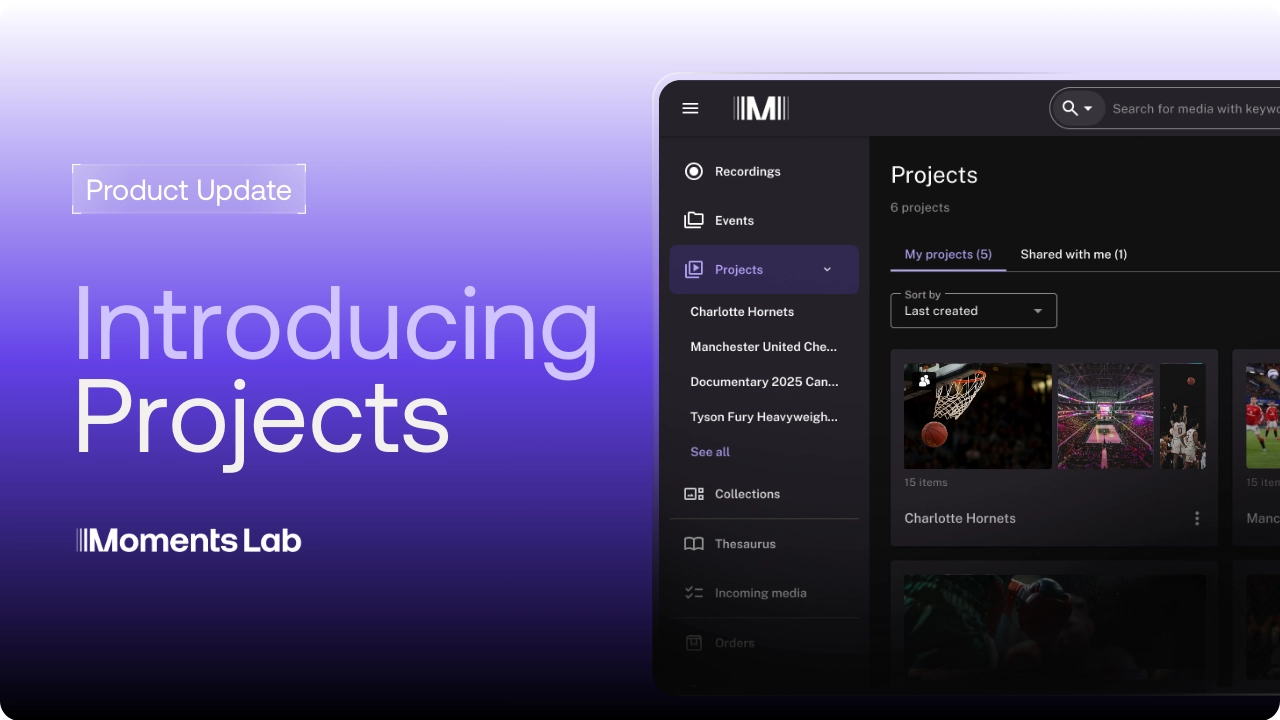
We've just shipped Projects, a shared workspace for collecting, organizing and sharing the content you find in Moments Lab.
Until now, your selections were stuck in a cart that only you could see on a single computer, with no way to run more than one at a time or share them with a colleague. Projects change this. Your selections are saved for good, you can run as many as you need, and you can share them with your team. Whether you are pulling together a best-of compilation, cutting a microdrama from a longer show, or pulling the best moments into a short-form clip for social, this is where that work now lives.
Collect and organize as you work
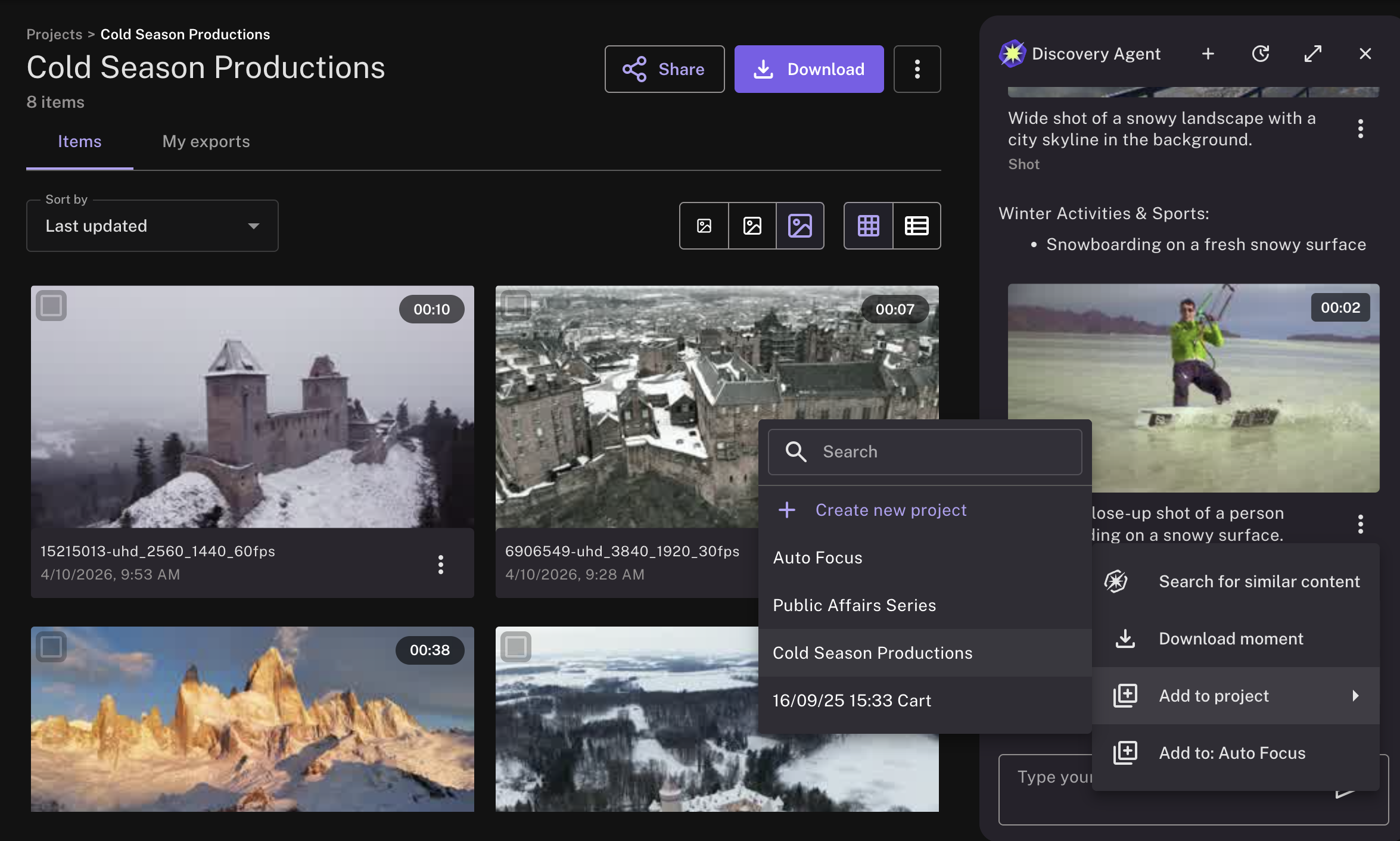
Say you're building a best-of reel from a full season. Add moments, clips, full media files and images to a project from anywhere in the platform: Discovery Agent, search results, a media page or an event. Keep one project for that compilation, another for a microdrama that you’re shaping, another for next week's social cut, and work on them side by side. Your projects are saved to your account so that you can log in from any computer and pick up exactly where you left off.
Share a project and get feedback
Found a strong set of clips and want a second opinion? Share the project with a colleague. They get instant access to everything you’ve gathered, can review the moments you’ve chosen, and can duplicate the project to build their own version without changing yours. A producer can pull the selects, share them with an editor or a showrunner for sign-off, and keep the feedback on one set of clips instead of scattered across email and file links.
Export in the right format
When the selection is ready, export the whole project in the format each stage needs: proxy files for a quick review, original high-res files for the edit, or any encoding profile your team has configured. The My Exports tab shows what is being prepared, delivered, and ready to download so that you always know where your export stands.
Take your project straight into the edit
Editing in Adobe Premiere Pro? Projects are now also available in the Moments Lab panel inside Premiere, so an editor can open the project you shared and pull the clips straight onto their timeline. A producer can organize the moments, and the editor stays in the tool they already work in.
Try it today
Projects is rolling out now. Open Moments Lab, start a project and pull together the moments that matter most, whether that’s for a best-of compilation, a microdrama, or a short episode teaser.
Want a walkthrough? Book a demo or contact your Moments Lab customer success manager.
.avif)