About Microsoft Entra ID
Microsoft Entra ID is Microsoft's cloud identity service, formerly called Azure Active Directory. Companies use it to keep staff accounts in one place and control which apps each person can sign in to.
Moments Lab and Microsoft Entra ID
Without single sign-on, each new user means another standalone Moments Lab account and password for IT to issue and remember to take back, which is why access to the catalog often lags a week behind the hire. Connect Entra ID and the catalog sits behind the same sign-in as the rest of your Microsoft tools, so a new producer is working on day one and access ends the same day the person does. Nothing else has to change: your media stays where it is, your Entra ID policies stay as you set them, and your team keeps working in Moments Lab.
How it works
Moments Lab connects to your Microsoft Entra ID tenant over OAuth, set up per workspace.
Signing in, and who can see what.
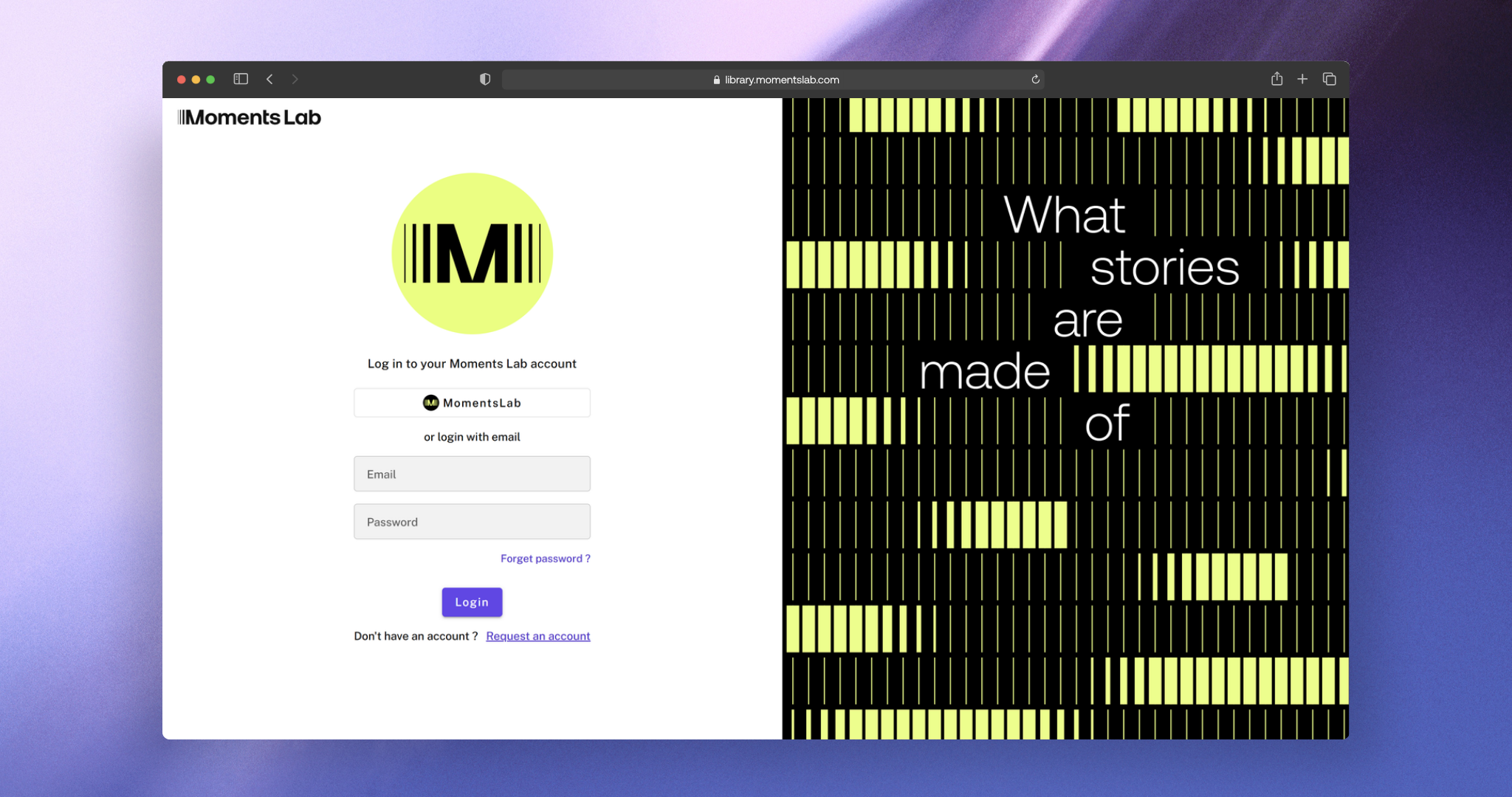
Your team signs in with their Microsoft work account, from a login button with your company name. Password sign-in can be switched off, so Entra ID becomes the only way in. Permissions do not carry across from Entra ID. Your own admins set roles and content visibility inside Moments Lab by team so you can open one show to a freelancer without opening the catalog. Moments Lab does not support SCIM (automatic account syncing), so accounts are still created and removed in the admin dashboard or through our public API. Access and activity are logged with timestamps, and webhooks can send those events to your own tools.
Where the data sits.
This connection covers sign-in only. No media moves, and nothing in your catalog changes. Content stays on Amazon S3 in the region you picked: Paris, Dublin or Virginia. Moments Lab is SOC 2 Type II certified, with AES-256 encryption at rest, TLS 1.2 or higher in transit, and a separate database and network for every customer. Sign-in runs through Auth0, which is SOC 2 Type II and ISO 27001 certified.
Setting it up.
You register Moments Lab in Entra ID, add the redirect address we send you and pass us your tenant details. We build the connection and test it with you. There is no migration and nothing to install.

Microsoft Entra ID
Sign in to Moments Lab with your Microsoft work account, and manage who gets in from Entra ID.
Similar integrations

Sign in to Moments Lab with your Microsoft work account, and manage who gets in from Entra ID.
.png)
Import and Index files and live streams, then pull the metadata into the systems you already run.

Automate tasks in qibb so new episodes reach Moments Lab, get indexed and are ready to clip.
Connect a ready-made database of famous faces, so more of the people in your catalog are searchable by name

Search your Moments Lab library from inside Adobe Premiere Pro and drop the exact moment onto your timeline.



Point Moments Lab at your S3 buckets and search, clip and publish from them without copying the archive.
