About TikTok
TikTok is a short-form video app built around vertical clips, served to people by what the recommendation feed picks rather than by who they follow. Media companies, broadcasters and studios use it to reach viewers who would never find the full show on their own.
Moments Lab and TikTok
Getting one clip onto TikTok used to take three tools. Someone searched for the moment in the media system, downloaded the file, uploaded it to an editor to trim, reframe and caption it, downloaded it again, then opened TikTok to write the caption and post. Now your team does all of that in one place: find the moment, finish the clip in Studio and publish it to that show's TikTok account. For a head of digital, that means more clips a week per show and more channels fed by the same team, with posts landing while the trend is still running. Nothing else has to change. Your high-res files stay in the storage they sit in today, the TikTok accounts stay yours, and if you run Sprout Social or Sprinklr you can keep using them.
How it works
Publishing is built into Studio, the browser-based editor in Moments Lab, so there is nothing to install and nothing to open in another tab. Search your catalog for the moment you want, trim it, reframe it to vertical, and pull subtitles straight from the transcript made at ingest. Before it goes out you can check the clip against TikTok's safe zones, so you know what the app's own buttons will cover.
Set the post up the way you would on TikTok
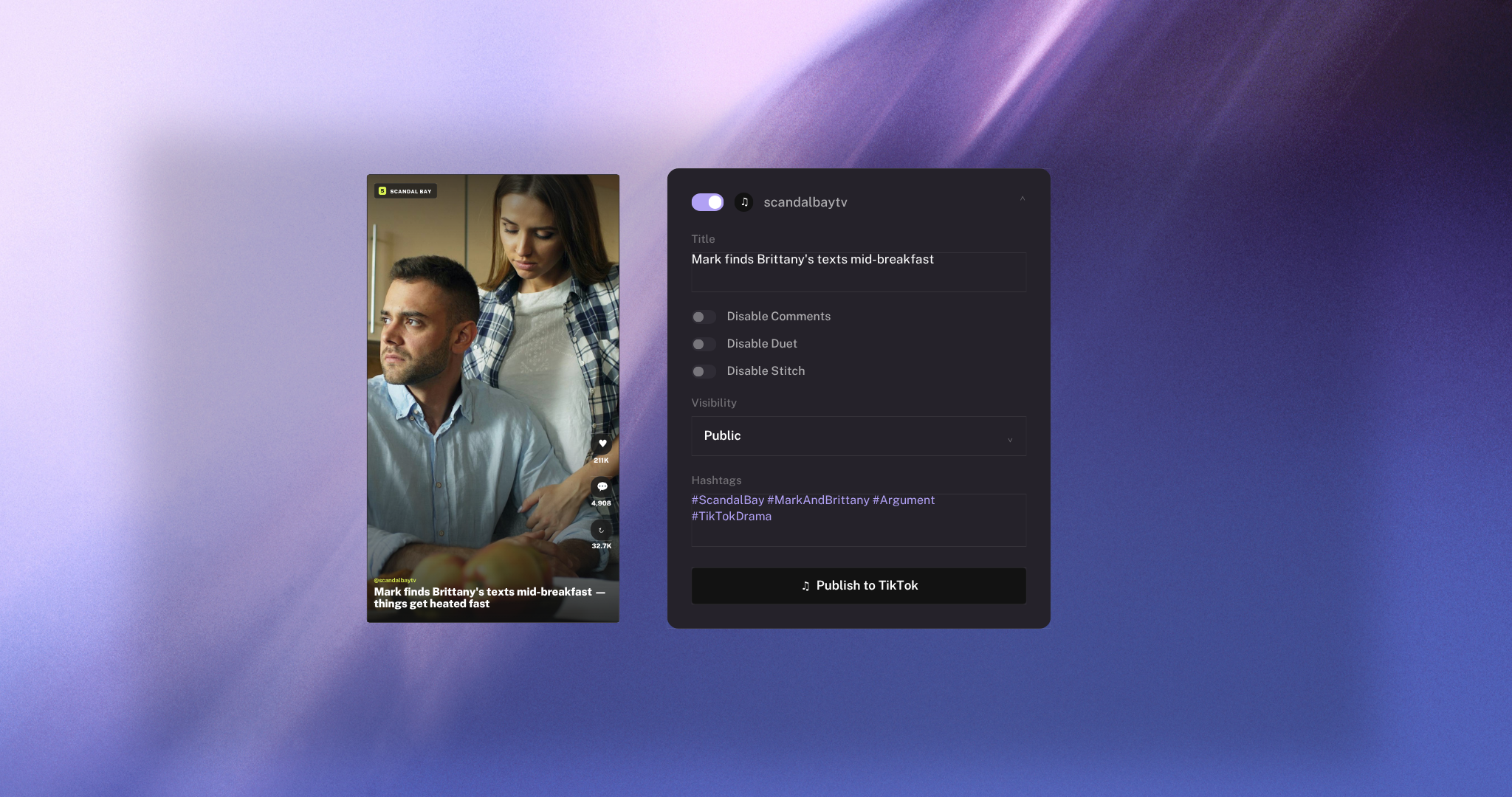
From there, the post settings are the ones you already know. Write your title, add your hashtags, and set the visibility to public, private, followers or friends. You can turn off comments, duet and stitch. Flag a clip as branded content and the paid partnership label is on it the moment it lands. The same clip can go to Instagram, YouTube and Facebook in the same pass, and to more than one TikTok account.
Getting started
You add a TikTok account from your workspace settings, signing in to TikTok once and approving the connection. Set up a profile for each show, link that show's account to it, and it turns up as a destination every time you publish. Most teams start with one show and one account, then add channels as they go.

TikTok
Cut a clip from your catalog and post it to your TikTok accounts
Similar integrations




Turbocharge your live and archived sports highlights with the powerful combination of the Moments Lab Cloud Media Hub and Stats Perform

Search your Moments Lab catalog and pull clips into your Media Composer timeline


Sign in to Moments Lab with your Okta account, and let IT manage access where they already manage it.