About Google Workspace
Google Workspace is Google's set of work apps, including Gmail, Drive, Calendar and Meet. Admins manage every company account from one console, so those same accounts can sign people in to other tools.
Moments Lab and Google Workspace
With Google Workspace single sign-on, users can log in with the Google account they already have.
How it works
Moments Lab uses Google Workspace as your identity provider, the system that checks who someone is when they sign in. Auth0, our identity platform, handles the connection.
Signing in
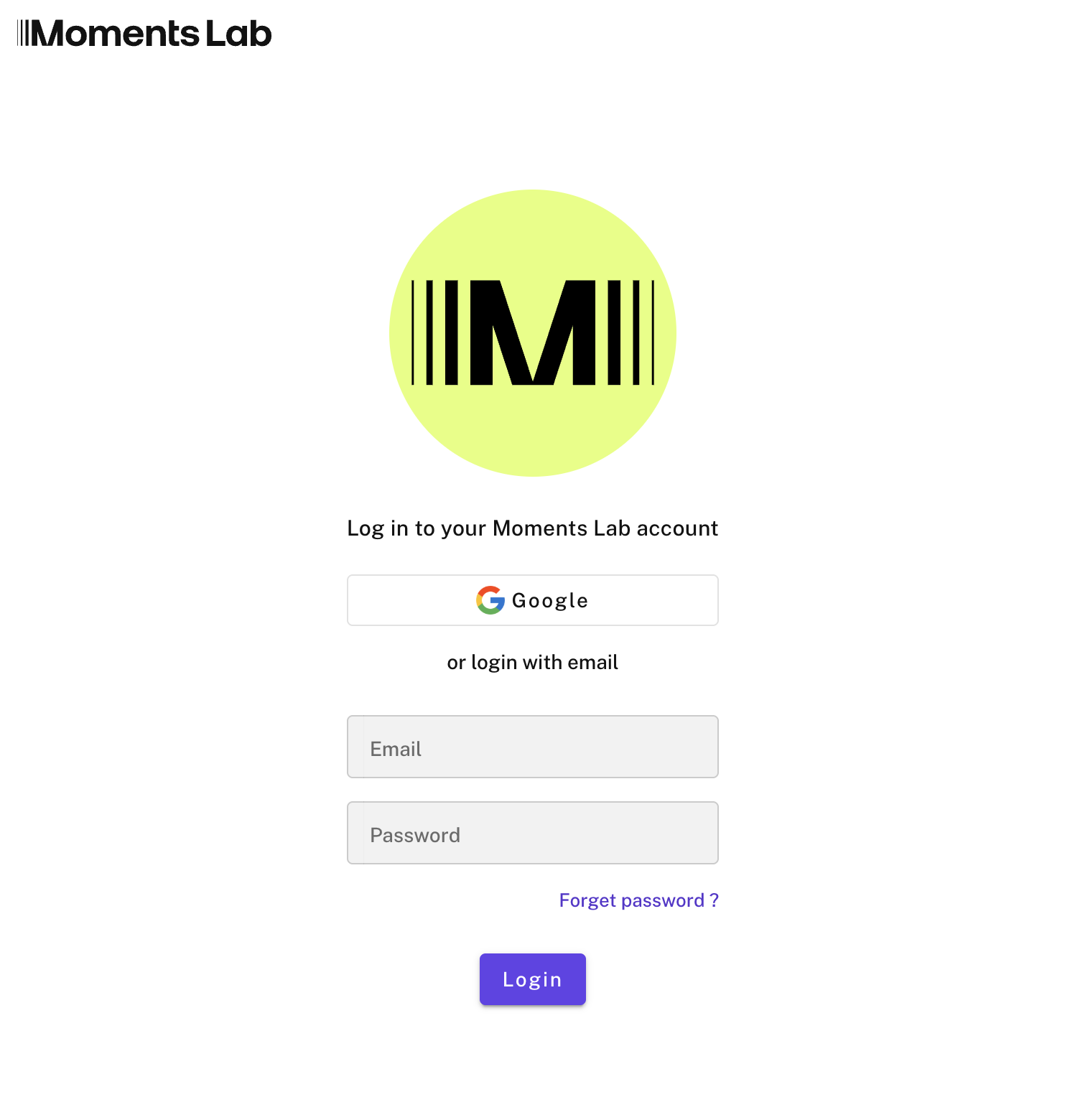
Your team goes to Moments Lab and types their work email. If that domain is set up for single sign-on, Moments Lab hands them to Google, and Google hands them back signed in. There is no Moments Lab password to create, share or reset. Anyone whose email is not covered by your SSO setup still signs in with an email and password.
Accounts and roles
With SSO on, an account is created the first time someone signs in, on a default role and organization that you choose. Roles are set in Moments Lab, not inherited from Google, and they decide what each person sees. Admins see all media by default. Everyone else sees only what is shared with their organization, so you can give a freelancer or a partner label one show and nothing else. Admins change a role at any time under Manage users.
Getting started
Ask our support team to switch SSO on for your workspace, and tell us the default role and organization new users should land on. Your catalog, your roles and the way your team works stay as they are. The only thing that changes is how people get in.
Google Workspace
Sign in to Moments Lab with the Google account your team already uses
Similar integrations



Search your Moments Lab catalog and pull clips into your Media Composer timeline


Index the media on your ELEMENTS storage with Moments Lab AI, and find any moment without moving a file.
Sign in to Moments Lab with your Okta account, and let IT manage access where they already manage it.
.jpeg)
Connect your Avid NEXIS storage and make the content you choose searchable with AI.
Sign in to Moments Lab with your Microsoft work account, and manage who gets in from Entra ID.
